App Download
Download the bq33 Mobile App — Android & iOSThe best gaming experience on is now right in your hands
Install the bq33 app and play your favorite games anytime, anywhere. Lightweight, fast-loading, and completely secure.
Install the bq33 app and play your favorite games anytime, anywhere. Lightweight, fast-loading, and completely secure.
Android or iOS — whichever you use, bq33 is ready for you
Download the APK file directly and install it in just a few minutes. Simply enable "Unknown Sources" in your phone's settings.
Optimized for iPhone and iPad. Install directly from Safari or add it to your home screen.
You can access all features on a mobile browser without downloading the app. Just open bq33.org in Chrome or Safari and get started.
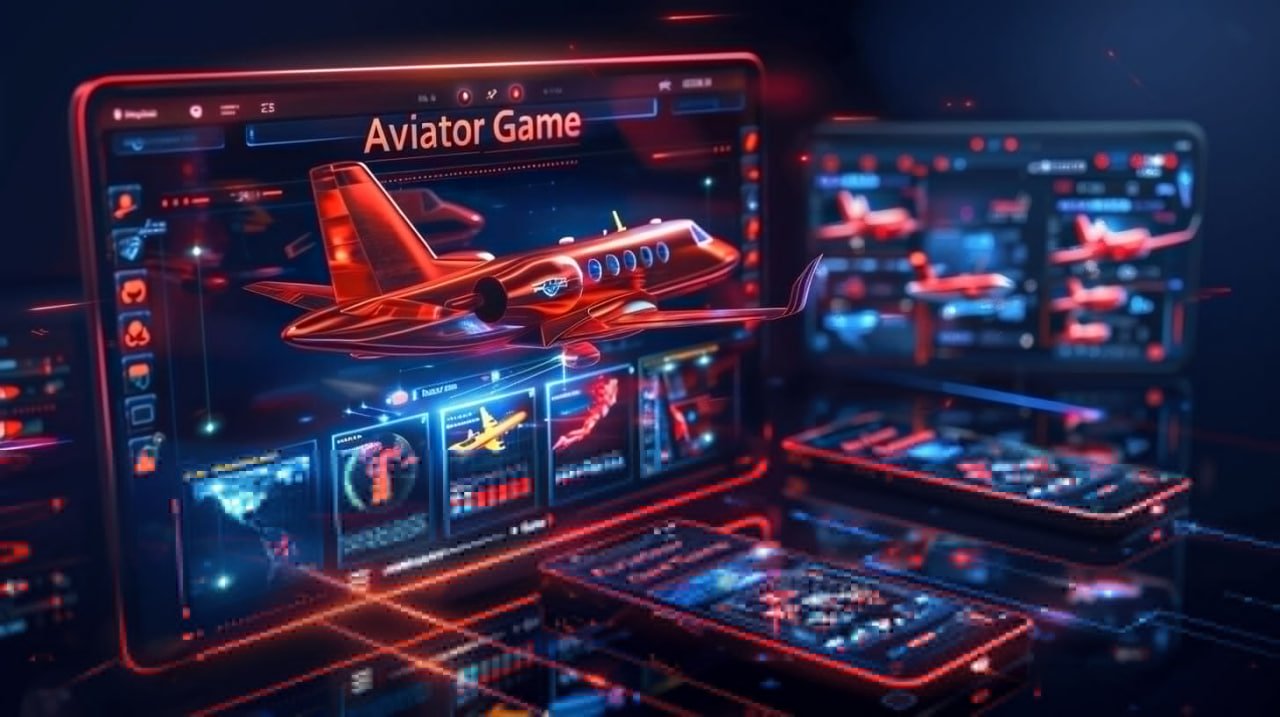
A common question is: why download a separate app when the browser works fine? The answer is simple — the bq33 mobile app delivers a completely different experience. It communicates directly with your device's hardware, so games load faster, animations are smoother, and battery usage is comparatively lower.
Push notifications are a major advantage. When a new promotion, bonus offer, or tournament goes live, bq33 alerts you directly on your phone — something you won't get on a browser. There are also exclusive app-only offers that are available to app users alone.
The app also leads on security. With biometric login — fingerprint or Face ID — you can access your account in under a second. No more typing passwords, yet your account stays fully protected.
Get updates on every new bonus and tournament straight to your phone. Never miss an offer.
Log in quickly and securely with fingerprint or Face ID.
Everything in one app — slots, casino, fish games, and much more
The app runs fast on minimal data. Games perform normally even on a weak network connection.
Every transaction and login is secured with SSL. Your information is completely safe.
An interface built specifically for mobile — large buttons, clean layout.
Deposit and withdraw directly from the app — via bKash, Nagad, and all other available methods.
View the live scoreboard for ongoing tournaments and participate in real time.
Dark mode is supported for a comfortable viewing experience. Play at night without any eye strain.
Live chat is available right inside the app — get instant help whenever you need it.
The app updates automatically whenever new features are released. No manual action needed.
Check your VIP points, level, and cashback status directly from the app.
The bq33 Android app is not available on the Google Play Store, as gaming apps are generally not distributed through Play Store directly. However, the APK installation process is straightforward and completely safe. Just follow the steps below.
Go to Settings > Security or Privacy on your Android phone and enable the "Install unknown apps" or "Unknown sources" option.
Click the download button on this page. The file will be saved to your phone's Downloads folder. It usually completes within 30 seconds to 1 minute.
Find the bq33.apk file in your Downloads folder and tap it. An installation window will appear.
Tap the "Install" button. Installation completes in just a few seconds. Once done, tap "Open" to launch the app directly.
If you already have a bq33 account, simply log in. If not, sign up in just a few minutes and start playing.
IPhone users, open bq33.org in Safari. Tap the "Share" icon and select "Add to Home Screen". The web app will be added directly to your home screen and works just like a native app.
Find out which one works best for you
Many users feel hesitant about installing an APK for the first time — that's completely understandable. But the bq33 APK is entirely malware-free and safe. The file is digitally signed, so Android itself verifies it before installation.
The app is updated regularly. New games, payment system changes, or bug fixes — all updates come through automatically. No separate download needed.
The bq33 app runs smoothly even on older phones — compatible with Android 6.0 and above, and works fine with as little as 2 GB of RAM. So whether your phone is new or old, you get the full bq33 experience.
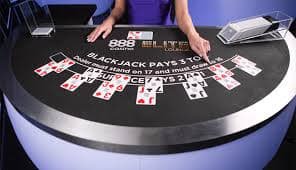
Live Casino games are specially optimized in the app. Video streaming runs smoothly, interacting with dealers is seamless, and the betting buttons are touch-responsive — making the mobile Live Casino experience feel almost identical to desktop.
The app takes up only 50 MB of storage and uses minimal RAM, so your phone won't overheat.
Live Casino game video runs much smoother on the app — virtually no buffering.
Everything you want to know about downloading the bq33 app